01
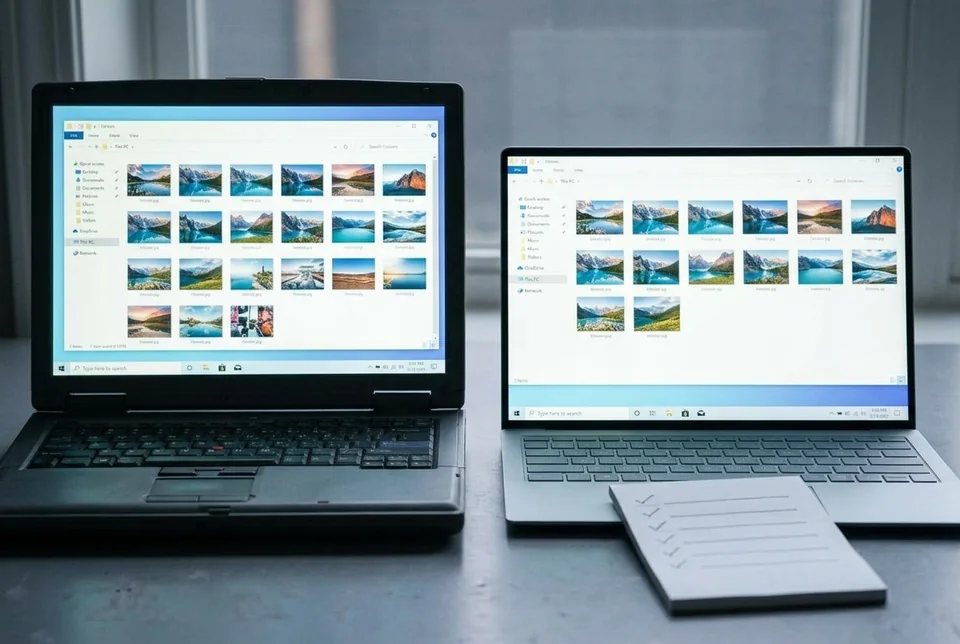
A folder looks emptier
The new PC has the folder name, but documents, photos, or project files are missing from it.

THE THREE FAILURES WE SEE
01
The new PC has the folder name, but documents, photos, or project files are missing from it.
02
The same filename exists on both PCs with different modified dates, and it is unclear which one is current.
03
The copy completes, but a sample file is corrupt, locked, or missing its associated application data.
HOW WE TEST
SERVICE SCOPE
The session covers one agreed device and one verified path. Anything outside the written scope is quoted separately before work starts.
FAQ
We can reconcile the folders you name and report what is absent. Files never copied, overwritten, or stored elsewhere need a separate recovery path.
No. Missing items go to a staging folder first; same-name conflicts are reviewed before anything replaces an existing file.
No. Use a local temporary account or stay present for the session. We never ask for your Microsoft account password.
NEXT STEP
Send the device, software, exact symptom, and what you have already tried. We will confirm scope and a fixed quote before booking.
No passwords. A real reply comes from [email protected].
FROM THE BLOG
External drive shows fewer files than the source after a PC-to-PC transfer? Follow these checks to diagnose an incomplete copy and recover missing files safely.
Files missing after PC transfer? Learn how to diagnose an empty source folder on your external drive and restore the expected copy outcome.
Missing user profile folders after copying to a new PC? Learn how to diagnose and fix missing Desktop, Documents, and AppData folders with a controlled check.
First copy finished but your user folders are missing on the new PC? Follow these checks to diagnose why files not copied to new computer and restore them.
First copy finished but user folders are missing on the new PC? Follow these checks to diagnose an incomplete transfer and recover your files.
External drive shows fewer files than the source after a PC-to-PC transfer? Check copy method, hidden items, and free space, then verify with a hash comparison and recover safely.
External drive files missing after transfer? Check source paths, hidden files, and copy logs to confirm whether the first pass skipped your user folders, then recover safely.
Fix missing user profile folders after PC migration. Learn to verify, restore Desktop, Documents, and AppData folders when the copy user profile to new PC step fails.
Desktop, Documents, or AppData folders missing after a PC-to-PC migration? Follow these checks to diagnose the incomplete copy and restore your user profile folders.
First copy finished but user folders are empty on the new PC? Diagnose an incomplete transfer with exact checks, a verification test, and a safe recovery path.